Chatbot platform UI - Menu and Start over configuration
1597300200001
On the request of our valuable clients, we have released the features which will give the users option to configure Menu Options and Start over button through the platform UI.
A brief description of how these features improve engagements
Menu Options - Using Menu options you can let the visitor go back to important instance in the flow for example for showing options like ‘view products’, ‘Order status’, ‘Connect with experts’, etc.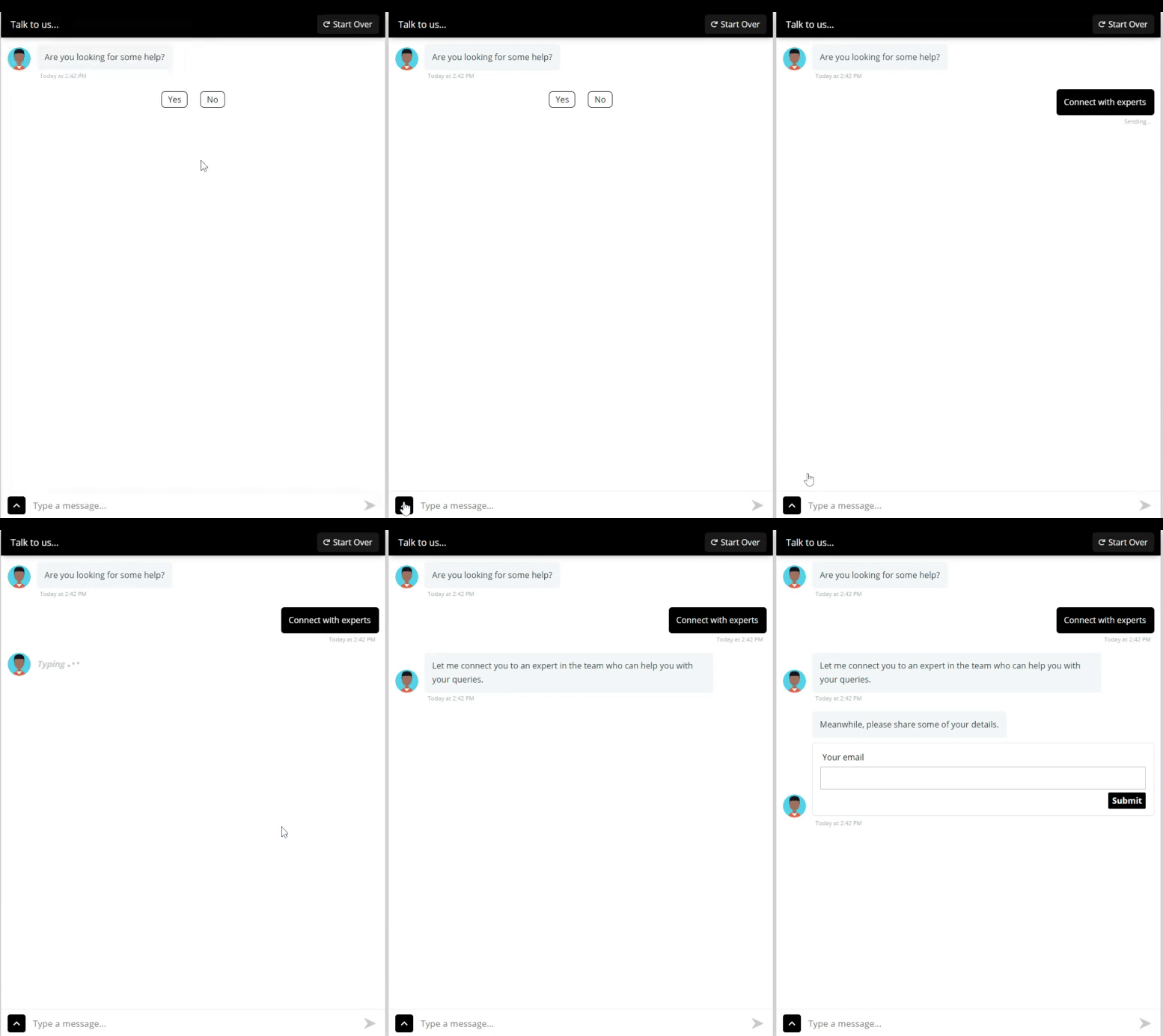
Start Over - A start over button helps the user to restart the conversation at any time. If the visitors feels like they want to change their answer to a particular question or renter the details they can start over. In the Chatbot widget, on the top bar a start over button is added when it is allowed from the UI

You can find the settings for Menu options and Start Over under Settings > Chat Widget
