Customize Chat Widget texts in Local Language
1598361960001
New
Feature
What’s the problem?
With ever increasing global customers, at IntelliTicks we want our customers to deploy the chatbot in their local language so they don’t miss out on leads only because of the language limitations.
What’s New?
Now the chat widget interface language can be changed directly from Platform UI. You just need to add the translation of some text values (from english) in your local language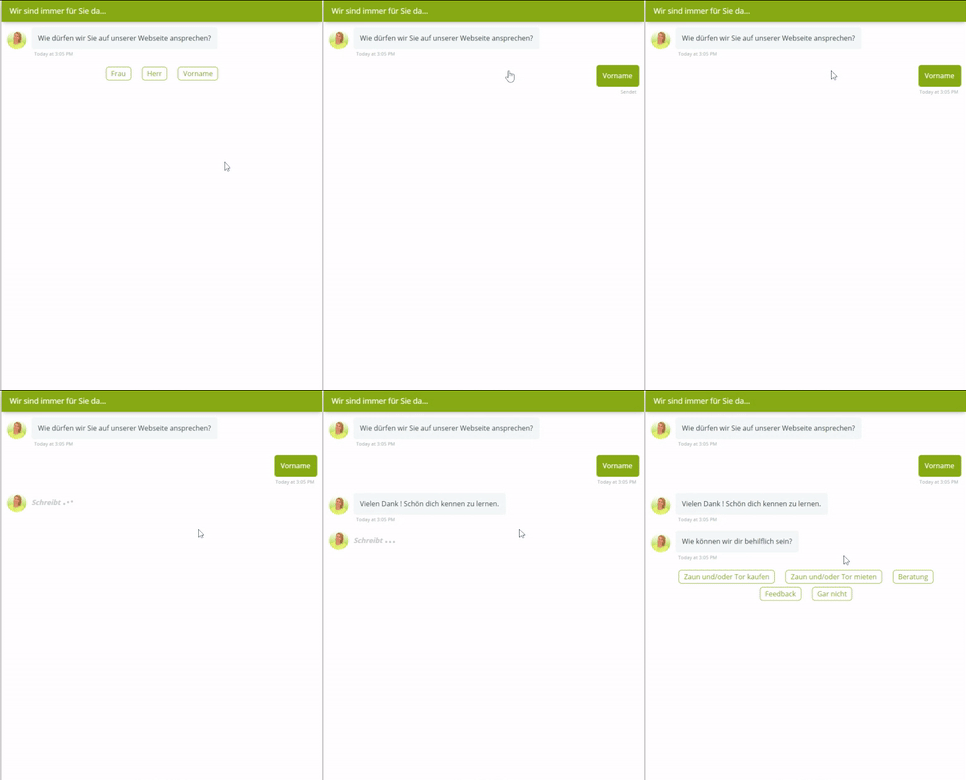
How to change chat widget texts?
- Go to Settings from left side panel in the Admin portal
- Click on Widget Texts under the Chat Widget section.
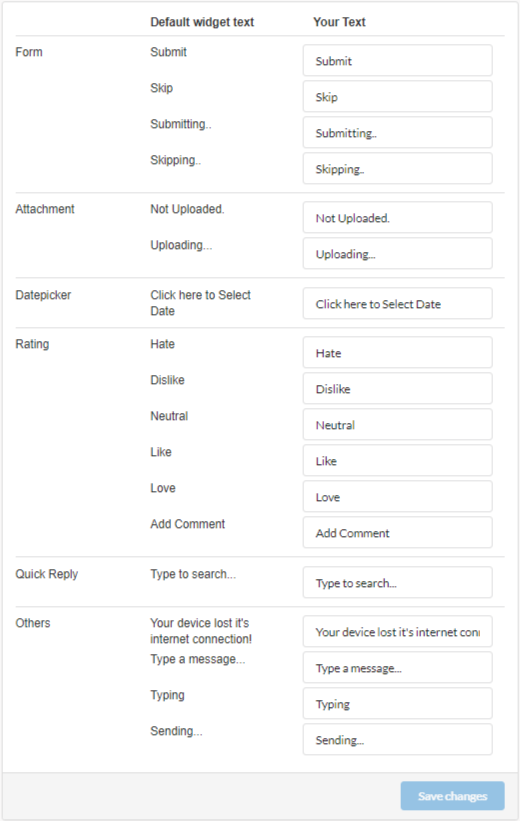
- Type in the translations of default texts in your local language
- Save Changes

Published by Chatbot