
Split a Playbook into two Playbooks
1597751400001
New
Feature
The Problem
After reviewing feedback from many of our users, we identified the need of a feature which enables the users to split the conversational flow into multiple playbooks.
How to Split a Playbook
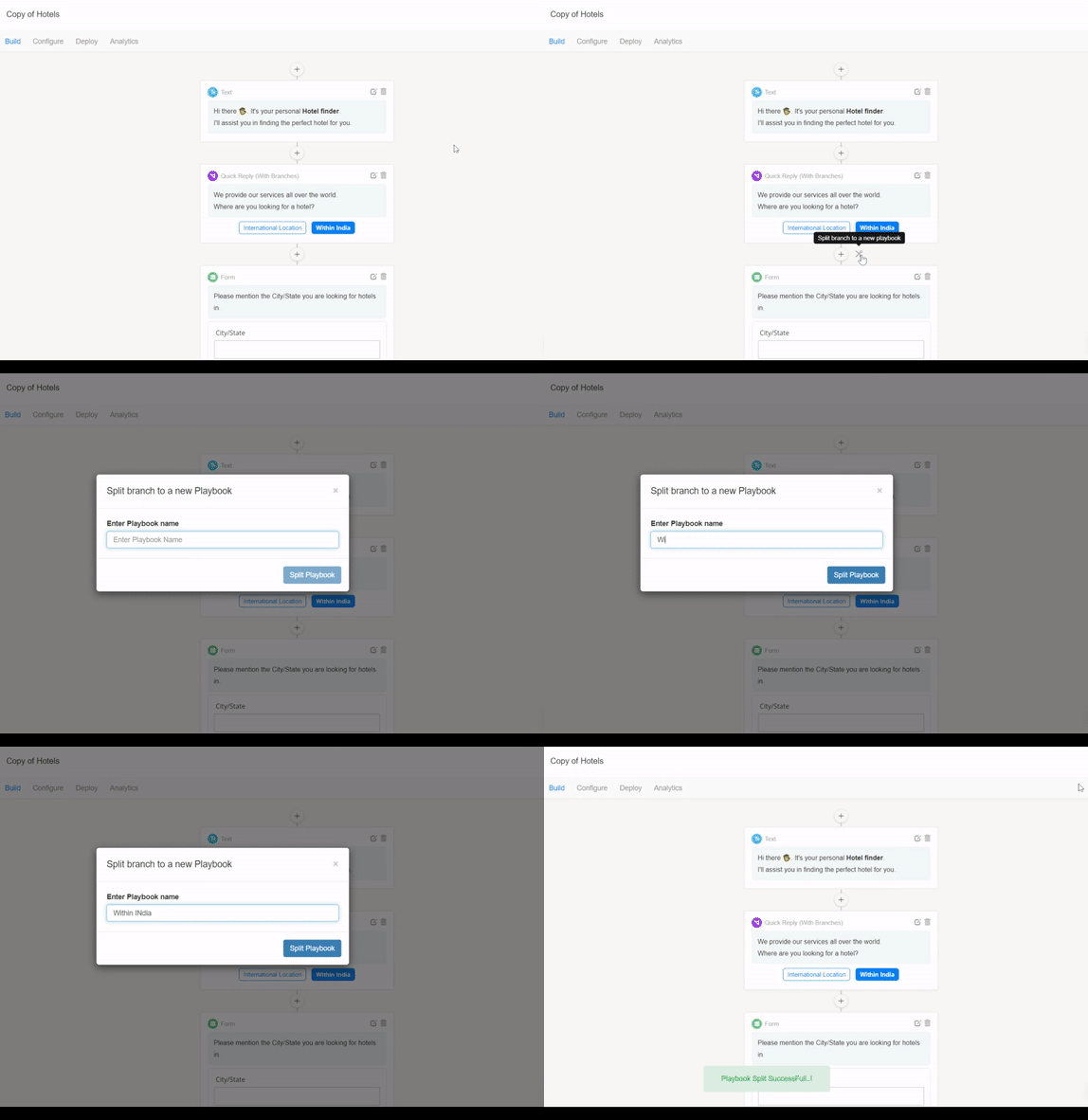
- Go to your playbook in the AI Builder
- Take the mouse pointer near to the plus sign (+) between the nodes, you will see a scissor icon. Click on that.
- You will be shown a dialog box to name the new playbook and the after entering the name, confirm by clicking “Split Playbook”
- The page will reload and you will have the part of your playbook before the scissor icon split into a new playbook.
The final look of the playbook after splitting -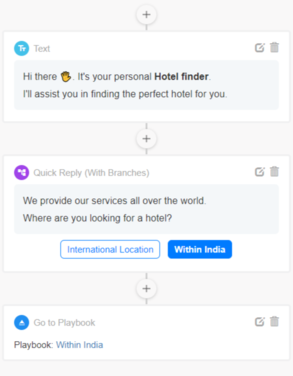

Published by Chatbot